What Is a CRM Dialer? How It Works & the 4 Types (2026)
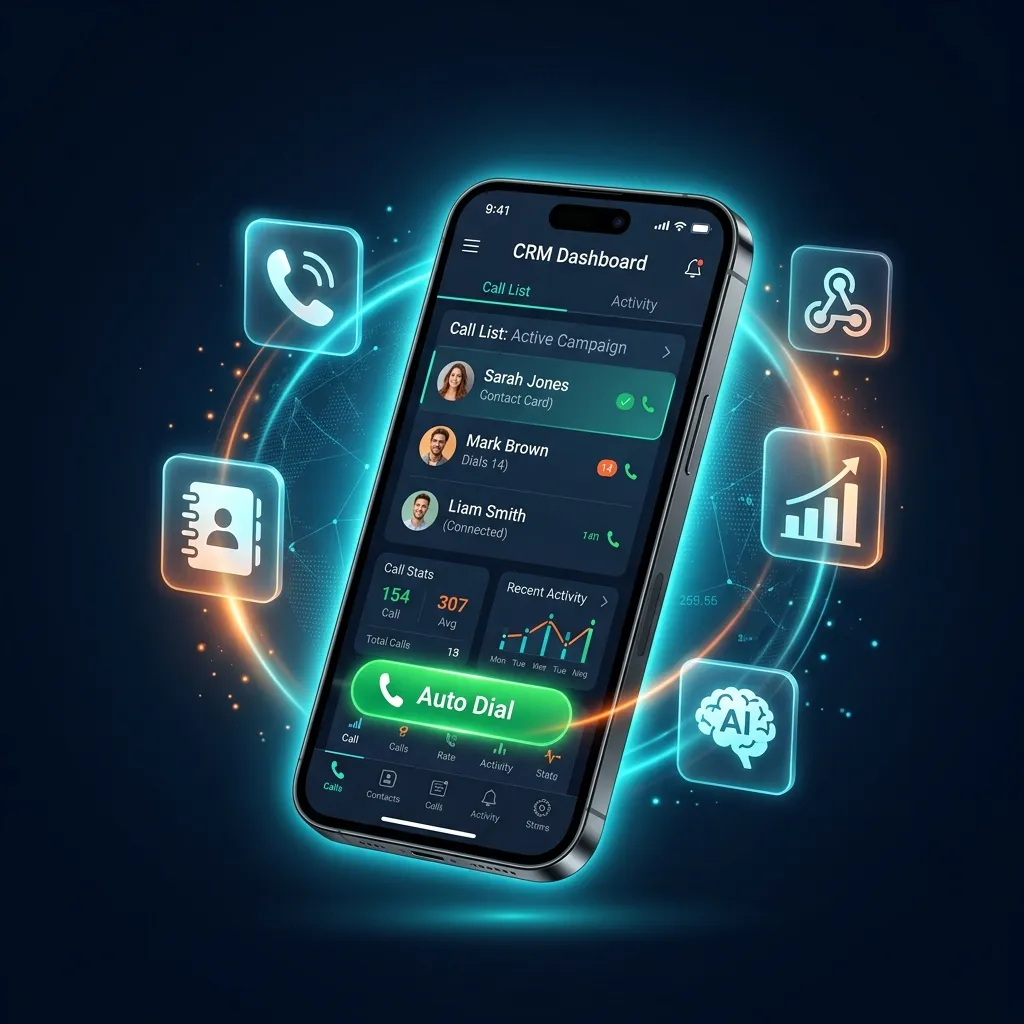
Manual dialing burns hours of selling time every week. Here's how an auto dialer CRM works, the 4 dialer types compared, and what each costs in 2026.
TL;DR
Direct answer: A CRM dialer, also called an auto dialer CRM, is one app that dials your lead list automatically and stores every call outcome, note, and follow-up against that lead — removing the manual dialing and the separate spreadsheet in a single step.
- The 4 types: power, predictive, preview, and progressive — power dialing suits almost every team under 20 agents.
- The real cost split: desktop VoIP platforms charge per user and per minute; SIM-based mobile dialers charge neither.
- The India catch: VoIP virtual numbers get flagged as spam on Truecaller, which quietly destroys answer rates.
- Free option: DialMaster dials unlimited through your own SIM on Android with the CRM built in — no card, no VoIP bill.
If you manage outbound sales, cold calling, or lead follow-ups, you have probably asked: What is an Auto Dialer CRM? It is the single most important tool in a modern sales professional's arsenal — a unified software platform that automatically dials phone numbers from a pre-loaded list while simultaneously tracking every customer interaction in a built-in CRM database.
In this comprehensive guide, we break down exactly how an auto dialer CRM works, the different types of auto dialers, who needs one, and why mobile-first solutions like DialMaster are rapidly replacing legacy desktop VOIP platforms in 2026.
What Exactly is an Auto Dialer CRM?
An Auto Dialer CRM is a software application that merges two critical sales functions into one seamless workflow:
- Auto Dialer: Software that automatically dials phone numbers from an imported list (CSV, Excel, or webhook) — one after another — without the agent manually typing each number. When a call ends, the dialer instantly queues the next number, eliminating idle time between calls.
- CRM (Customer Relationship Management): A structured database that tracks every lead interaction — call outcome (answered, voicemail, not interested), follow-up reminders, deal stage, notes, and contact history. This eliminates the need for separate spreadsheets or notebooks.
When both capabilities live in a single app — especially on your Android phone — you get an instant, zero-friction sales acceleration engine. No switching between apps. No copy-pasting numbers. No forgetting to log calls.
How Does an Auto Dialer CRM Work?
Here is the step-by-step workflow of a modern auto dialer CRM in action:
- Import Leads: Upload a CSV file, Excel spreadsheet, or connect a webhook from Facebook Ads, Google Ads, or LinkedIn to automatically feed leads into the system.
- Start Auto-Dialing: Tap one button. The software automatically dials the first number on your list using either VOIP (internet calling) or your native SIM card.
- Talk & Close: When the prospect answers, you pitch. The CRM displays the lead's information — name, source, previous interactions — on screen during the call.
- Log the Outcome: After the call ends, the system forces a quick disposition — "Interested", "Call Back Tomorrow", "Not Interested", "Wrong Number" — in 3 seconds. This guarantees 100% CRM data accuracy.
- Auto-Queue Next Call: The dialer instantly moves to the next number. Zero downtime. Zero manual dialing. The agent stays in a flow state.
- Follow-Up Automation: Leads marked "Call Back" automatically resurface on the scheduled date. Leads marked "Interested" can trigger an instant WhatsApp follow-up with a pre-filled message.
Types of Auto Dialers: Which One Do You Need?
Not all auto dialers are the same. Understanding the differences is critical for choosing the right tool:
1. Power Dialer
A power dialer dials one number at a time and connects the agent immediately when the call is answered. It is the most common type for small teams and solo agents. DialMaster uses power dialing — it is simple, reliable, and perfect for personalized outreach where every conversation matters.
2. Predictive Dialer
A predictive dialer uses algorithms to dial multiple numbers simultaneously, predicting when an agent will become available. It routes the first live answer to the agent. This is designed for large call centers with 20+ agents where maximizing talk time is the priority. The downside: if the algorithm miscalculates, prospects hear silence when no agent is available — destroying trust.
3. Preview Dialer
A preview dialer shows the agent the lead's complete information before the call is placed. The agent reviews the context, prepares mentally, and then manually triggers the dial. Best for high-value enterprise sales where preparation for each call is essential.
4. Progressive Dialer
A hybrid approach — the progressive dialer automatically dials the next number only after the current call ends and the agent has logged the outcome. No overlap, no dropped calls. DialMaster's architecture follows this progressive model for maximum reliability.
| Dialer Type | Best For | Calls/Hour | Risk |
|---|---|---|---|
| Power Dialer | Small teams, solo agents | 40–60 | Low |
| Predictive Dialer | Large call centers (20+) | 80–120 | High (dropped calls) |
| Preview Dialer | Enterprise, high-value B2B | 20–30 | None |
| Progressive Dialer | Mid-size teams | 50–80 | Low |
Why Do Sales Teams Need an Auto Dialer CRM?
The math is brutally simple. Manual dialing wastes approximately 45 seconds per call — finding the number, typing it, waiting for the connection. Over 100 calls per day, that is 75 minutes lost to button-pressing. Over a month, that equals 37.5 hours — nearly an entire work week — spent doing nothing productive.
An auto dialer CRM eliminates this dead time entirely. But speed is only part of the equation. Here are the five core reasons every outbound team needs one:
1. Speed to Lead
Research consistently shows that leads contacted within the first 60 seconds of submitting a form are 391% more likely to convert. If your leads from Facebook Ads or Google Ads sit in a spreadsheet for hours before an agent calls, your competitor has already closed the deal. An auto dialer CRM with webhook integration calls the prospect within seconds of form submission.
2. 100% CRM Data Accuracy
The dirty secret of traditional CRMs: agents hate logging data. After a 3-minute phone call, asking an agent to open Salesforce, find the contact, and type out notes is a recipe for incomplete data. An auto dialer CRM forces a 3-second disposition immediately after the call ends — before the agent can do anything else. This guarantees your pipeline data is always accurate.
3. Zero Lead Leakage
Every lead that isn't followed up is money burned. Auto dialer CRMs with follow-up scheduling ensure that a lead marked "Call Back Thursday" automatically resurfaces on Thursday morning. No leads fall through the cracks. No sticky notes. No forgotten promises.
4. Drastically Lower Costs
Enterprise VOIP dialers charge $25–$150 per agent per month, plus per-minute calling fees. A mobile auto dialer CRM like DialMaster uses your existing SIM card and unlimited calling plan — total calling cost: $0. For a 10-agent team, the annual savings can exceed $15,000. Read our detailed DialMaster vs JustCall comparison to see the full cost breakdown.
5. Higher Connection Rates
VOIP numbers are systematically flagged as "Spam" by apps like Truecaller (350+ million users in India alone). When your call shows a red spam badge, your answer rate crashes below 5%. A SIM-based auto dialer CRM uses the agent's real, verified mobile number — establishing trust and dramatically increasing pickup rates.
Key Features to Look for in an Auto Dialer CRM
Not all auto dialer CRMs are created equal. When evaluating solutions, prioritize these capabilities:
- Calling Method (SIM vs VOIP): SIM-based calling avoids spam flags and per-minute charges. VOIP requires stable internet and often gets blocked. Learn why SIM beats VOIP in India.
- Lead Import Options: Look for CSV/Excel uploads, direct paste, and native webhooks from Facebook, Google, LinkedIn, and TikTok ad platforms.
- Forced Disposition Logging: The system should require agents to log call outcomes immediately — not optionally.
- Follow-Up Scheduling: Automatic resurfacing of callbacks on the scheduled date.
- Offline Capability: Critical for field agents. The app should work without internet and sync when connectivity returns.
- WhatsApp Integration: One-tap WhatsApp follow-up with pre-filled templates after the call.
- Data Privacy: Prefer Zero Data Retention architectures where your data stays on your device, not on the vendor's servers.
- ROI Tracking: Use built-in analytics or a Telemarketing ROI Calculator to measure the financial impact of your calling campaigns.
Which Industries Benefit Most from an Auto Dialer CRM?
While virtually any outbound team benefits, these industries see the highest ROI from deploying an auto dialer CRM:
Real Estate
Brokers handling leads from 99acres, MagicBricks, and Housing.com need to call back within seconds. Manual dialing means losing the site visit to a competing broker. See our Real Estate Auto Dialer solution →
Insurance
Insurance agents manage three distinct calling phases — prospecting, follow-ups, and renewal reminders. An auto dialer CRM automates all three with scheduled callbacks and policy expiration tracking. See our Insurance Agent solution →
EdTech & Admissions
During peak admission seasons, counseling teams handle thousands of student inquiries. An auto dialer CRM eliminates the Excel-sheet chaos and ensures every inquiry is contacted at peak intent. Read our EdTech calling guide →
B2B SaaS Sales
BDRs running outbound from Apollo.io or LinkedIn Sales Navigator need a dialer that rips through cold call lists ruthlessly. Mobile auto dialer CRMs give them SIM-based calling at zero cost. See our Sales Teams solution →
Small Businesses
63 million small businesses in India alone cannot afford Salesforce. They need a free, mobile tool that does two things: call leads faster and log outcomes. See our Small Business solution →
Auto Dialer CRM: Mobile-First vs Desktop (Why It Matters in 2026)
The fundamental shift in 2026 is clear: mobile-first auto dialer CRMs are replacing desktop VOIP platforms. Here is why:
| Feature | Mobile Auto Dialer CRM | Desktop VOIP Dialer |
|---|---|---|
| Calling Cost | $0 (SIM card) | $0.02–$0.05/min |
| Spam Risk | None (real number) | High (virtual numbers) |
| Works Offline | Yes | Requires internet |
| Agent Location | Anywhere (field, transit) | Desk only |
| CRM Logging | Forced (100% compliance) | Optional (low compliance) |
| Setup Time | 5 minutes | Days to weeks |
Desktop CRMs suffer from the "Air Gap" — the agent makes calls on their phone but logs data on a laptop. This friction guarantees low CRM adoption. A mobile auto dialer CRM eliminates the air gap entirely because the dialer and the CRM are the same device. See the CRM and dialer working as one app →
How to Get Started with an Auto Dialer CRM Today
Getting started takes less than 10 minutes:
- Download DialMaster from the Google Play Store — it is free forever, and your leads stay on your device.
- Import your leads — upload a CSV, paste raw numbers, or connect your Facebook/Google Ads webhook.
- Generate your script — use our free AI Sales Script Generator to create a high-converting cold call pitch.
- Calculate your ROI — plug your numbers into our ROI Calculator to see the financial impact.
- Start auto-dialing — tap one button and let DialMaster handle the rest.
Frequently Asked Questions About Auto Dialer CRMs
Is an auto dialer CRM legal?
Yes. Auto dialers that use your native SIM card are legal for business use. However, you must comply with local regulations like TCPA (USA), DNC Registry (India), and GDPR (EU). Always ensure you have proper consent before contacting leads.
What is the difference between an auto dialer and a CRM?
An auto dialer only dials numbers automatically. A CRM only manages customer data. An auto dialer CRM combines both — it dials AND manages your entire pipeline in one application. No switching between apps, no data silos.
How much does an auto dialer CRM cost?
Prices range from $0 (DialMaster's Free Forever plan) to $150/agent/month (enterprise VOIP platforms like PhoneBurner). Mobile-first solutions that use your SIM card are significantly cheaper because they eliminate VOIP infrastructure costs. See DialMaster pricing →
Can I use an auto dialer CRM on my Android phone?
Yes. DialMaster is built natively for Android and runs entirely on your phone using your SIM card. It works offline, syncs to Google Drive, and requires no desktop computer. See our comparison of the best Android auto dialers →
Which is better: VOIP auto dialer or SIM-based auto dialer?
For small teams, solo agents, and markets like India where Truecaller flags VOIP numbers as spam, SIM-based auto dialers win. They cost $0 to call, produce crystal-clear audio, work offline, and never get spam-flagged. VOIP is only better for large call centers (50+ agents) with dedicated fiber internet.
Stop manually dialing. Start closing.
Install DialMaster on your Android device and dial your first list in under five minutes. Free forever, no credit card, no VoIP bill — and your leads never leave your phone.