CNAP Is Live: What Caller Name Display Means for Sales Calls in 2027
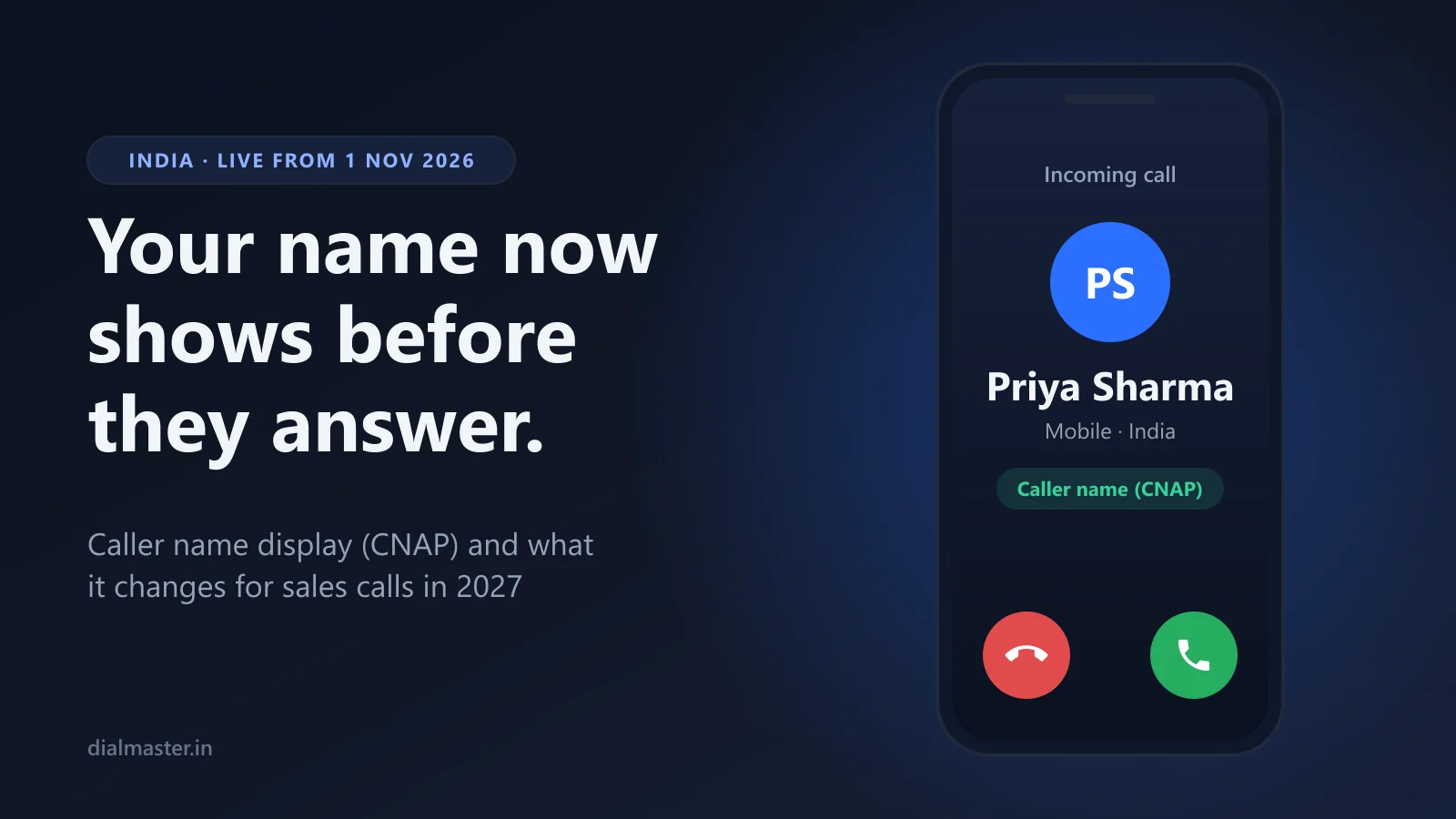
Phones in India now show who is calling, by default. Here is what caller name display (CNAP) changes for sales calls in 2027, and what to fix first.
TL;DR
Direct answer: Since 1 November 2026, 4G and 5G phones in India show the name a calling number is registered to, even when the number is not saved and no app is installed. For anyone who sells by phone, the anonymous call is over: the person sees a name before they decide to answer. A name they can connect to an enquiry gets picked up. A stranger's name, or the wrong name, gets ignored.
- What shows: the name in the operator's KYC record, or the name the person saved you as. Business connections can show a verified trade name.
- What it is not: a spam check. Truecaller and network spam labels still apply on top.
- What to do now: check the name each of your numbers shows, keep one number per rep, and introduce yourself before you call.
What Changed on 1 November 2026
The Department of Telecommunications told operators, in a circular dated 13 October 2026, to provide calling name presentation (CNAP) to every 4G and 5G user "without the requirement of any separate request". In plain terms: the caller's name now appears on the screen by default, on Jio, Airtel and Vi alike. ThePrint reported the circular in detail. The points that matter if you make calls for a living:
- The name comes from KYC. It is the name recorded by the caller's operator when the SIM was issued.
- A saved name wins. If the person has your number saved, they see their own label for you instead.
- Businesses can show a brand. Bulk and business connections may display a "preferred name", either a registered trademark or a trade name registered on the GST portal, once the operator verifies it.
- Not everyone is covered yet. 2G, 3G and landlines are left out for now, and users who have calling line identification restriction (CLIR) stay hidden.
- Calls from abroad are marked "International Call".
The service has been a long time coming. Trials started in November 2025 and the original nationwide deadline of March 2026 passed, so expect some calls, particularly to older handsets, to show no name for a while yet.
What CNAP Does Not Do
- It does not flag spam. CNAP shows who a number is registered to, not whether people have reported it. Truecaller's spam label, which comes from its users' reports, still appears for Truecaller users. Airtel's network label, which has marked calls "Suspected SPAM" since September 2024, still applies to Airtel customers.
- It does not cover internet calls. It is a feature of ordinary mobile calls. A WhatsApp call shows the WhatsApp profile, as before.
- It does not change the telemarketing rules. TRAI's rules on commercial calls sit alongside it. Our TRAI compliance page covers those.
Why It Matters If You Sell by Phone
Until now, an unsaved number was a blank: ten digits and, if the person used Truecaller, a guess. From now on the first thing your prospect sees is a name, and they decide in a second or two what that name means. There are three ways it can go.
- A name they expect. They filled in your form, or you messaged them first, and the name on the screen matches. This is the call that gets answered.
- A name they do not know. No better or worse than an unknown number used to be. You still have to earn the first sentence.
- The wrong name. A SIM bought in a relative's name, a number still registered to someone who left the company, a virtual number registered to a provider. This is worse than no name at all, because it looks like someone pretending to be someone else.
There is a choice in here as well. A personal SIM shows a person, which suits relationship selling such as property, insurance and loans, where buyers want to talk to someone rather than something. A business connection can show your brand once the trade name is verified. Neither is wrong, but it should be a decision rather than an accident.
Six Things to Fix Before 2027
- Find out what name each number shows. Call a colleague on a 4G or 5G phone who has not saved your number, and look at their screen. Do it for every number your team calls from. It takes five minutes.
- Fix numbers registered to the wrong person. If a rep's SIM is in a relative's or a former employee's name, that is the name your prospects now see. Ask the operator how to move the connection into the right name.
- Decide between a person and a brand. Personal numbers show the rep. Business connections can apply to show a verified trade name or trademark. Pick one deliberately.
- Keep one rep on one number. Every number now carries a name. Rotating SIMs to stay ahead of spam labels just shows each prospect a different stranger, and spreads whatever reputation you have across numbers nobody recognises.
- Introduce yourself before you call. A short WhatsApp message ("Hi Rohit, it's Priya from Sunrise Homes, calling about your enquiry in five minutes") connects the name on the screen to a reason to answer. Our WhatsApp and calling playbook has the full sequence.
- Call leads while they still remember you. A study published in the Harvard Business Review found that companies which tried to contact a web lead within an hour were nearly seven times as likely to qualify it as those that waited even an hour longer. A name they recognise from an enquiry they made this morning is the best caller ID there is.
What About Cloud and Virtual-Number Dialers?
If your calls go out through a provider's virtual number, the name your prospect sees depends on how that number is registered: to the provider, or to your business if the connection is set up with your verified trade name. Ask your provider which it is, then make a test call and look. Virtual numbers can also be reassigned between businesses, and a reused number can carry its last owner's spam reports. Our guide to why numbers show as spam on Truecaller covers that side.
Where DialMaster Fits
DialMaster places every call from the rep's own SIM when they tap Call. The person sees the rep's own number and, on 4G and 5G, the name it is registered to, with no virtual number in between. DialMaster adds no per-minute charge, and the free Starter plan does not cap calls. It cannot make anyone answer and it cannot stop a number being reported. It does make sure the number and name your prospect sees are your own, which, from this month, is most of what they see. Get DialMaster free on Google Play.
Frequently Asked Questions
What is CNAP?
Calling name presentation: a network service that shows the caller's name on the screen of the person being called. India made it the default for 4G and 5G users from 1 November 2026.
Whose name shows when I call someone?
If they have saved your number, the name they saved. Otherwise, the name in your operator's KYC record for that SIM. Business connections can show a verified trade name or trademark instead.
Can I stop my name from showing?
The circular says the names of users with calling line identification restriction (CLIR) are not shown. Ask your operator whether CLIR is available on your connection.
Does CNAP replace Truecaller?
No. CNAP shows the registered name but does not check for spam. Truecaller users still see Truecaller's labels, which come from its users' reports.
Does CNAP work on 2G, 3G or landlines?
Not yet. The circular covers 4G and 5G and says the rest will be considered separately.
Sources: ThePrint on the DoT circular of 13 October 2026 · Airtel press release, 25 September 2024 · Oldroyd, McElheran and Elkington, Harvard Business Review, March 2011
Related reading: Number showing spam on Truecaller? · 2.2 billion people are offline, and the phone network still reaches them · TRAI compliance
Stop manually dialing. Start closing.
Install DialMaster on your Android device and dial your first list in under five minutes. Free forever, no credit card, no VoIP bill — and your leads never leave your phone.